








- Main
- FAQ
- Other questions
- How to check which pages have been indexed by a search engine?
How to check which pages have been indexed by a search engine?
- General questions about indexing
- How 2index.ninja works
- Indexing of website pages
- Backlink indexing
- Checking Google indexing
- Tariffs, tokens, and payment
- API and bulk work
- Guarantees, deadlines and results
- Safety and restrictions
- Technical questions
-
Other questions
- How to use competitor tracking in your backlink acquisition strategy?
- How important is content when attracting backlinks?
- How to ensure good page loading speed for better indexing and optimization?
- What page optimization recommendations will help improve their indexing?
- How to check which pages have been indexed by a search engine?
- How does internal linking help optimize for Yandex indexing?
- How does fast indexing affect search results positions?
- How can you monitor the quality of external links to your site?
- What methods can be used to find potential backlink sources?
- What tools are available for backlink monitoring?
- How to evaluate the quality of backlinks?
- How does optimizing for fast website loading speed affect indexing in Yandex?
- How does using a robots.txt file affect Google indexing?
- What specific optimization recommendations can be applied for better indexing in Yandex?
- How to evaluate the domain authority and page authority of another web resource?
- How do you check which pages of your mobile site are indexed by Google?
- How to choose the right keywords for a specific page?
- How do you take page loading speed into account when optimizing for fast indexing?
- How does content length affect page indexing and ranking?
- What are the benefits of website page indexing services?
- What is a canonical URL and how is it used in SEO?
- What are the basic steps to improve Google indexing?
- How to make sure your website is mobile-friendly for Google?
- How to create and submit a sitemap to Google?
- How to speed up the indexing process of new website pages?
- How do social signals affect SEO?
- How to choose the right keywords for your website?
- What mistakes should you avoid when attracting backlinks?
- How can content marketing be used in a backlink acquisition strategy?
- What metrics should you track when evaluating the effectiveness of your backlink acquisition strategy?
- What is the role of anchor texts in backlink acquisition strategy?
- What types of backlinks exist?
- What are the benefits of attracting backlinks?
- What roles do social media play in SEO?
- What are long-tail keywords and how are they used in SEO?
- What content is considered quality from an SEO perspective?
- How to measure SEO effectiveness and what metrics should you track?
- What is organic search?
- What is a Sitemap and How Does it Help SEO?
- What is crawling and how does it relate to indexing?
- What SEO analysis tools can be used?
- What are backlinks (external links) and how do they affect SEO?
- What factors influence website loading speed and why is it important for SEO?
- What are keywords in SEO?
- What are meta tags and how do they affect SEO?
- What is SEO (Search Engine Optimization)?
- What is Yandex.Webmaster?
- What is Google Search Console?
- What is an active link?
- How does a search engine find new website pages?
- How to check the result
- How long does indexing take?
- How does this work
- How much will it cost?
- Will all pages and links be indexed?
Checking indexation isn't simply a matter of reviewing a list of pages in search results; it involves comparing data from various sources, as search engines don't always display a complete or synchronized index in their public interfaces. Professional SEO practices utilize several levels of verification, each fulfilling its own specific purpose.
The primary and most accurate source is webmaster tools. For Google, this is Search Console , where the indexing section displays pages already in the database, as well as excluded URLs, along with reasons. It's important to analyze not only the indexing status but also its status: "indexed," "detected but not indexed," "crawled but excluded"—these differences directly reflect the quality of the site's processing.
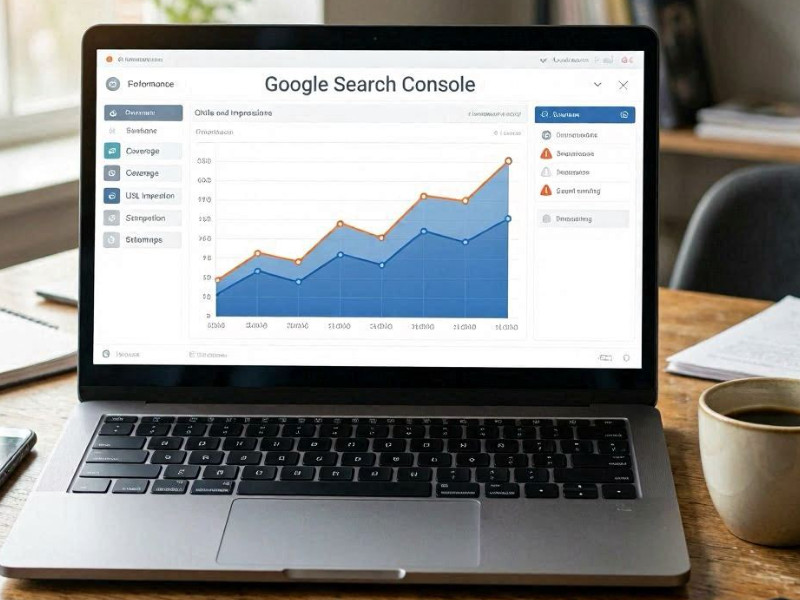
For a targeted check, use the URL inspection tool. It allows you to see whether a specific page is indexed, when it was crawled, and which version of the content the robot saw. This is especially important when analyzing recently added or updated pages, where indexing delays can be critical.
A similar approach is used in Yandex.Webmaster, where a report on indexed pages and exclusion reasons is available. In Yandex, it's also useful to track trends: which pages are quickly indexed and which are systematically ignored, as this often indicates issues with structure, quality, or accessibility.
An indirect method involves using search operators, such as site directives. This allows you to see which URLs are already in the search results, but it doesn't provide a complete picture and may lag behind in data. This method is used more for quick verification than for analytics.
A more advanced practice is to additionally compare the sitemap (sitemap.xml) with the actual index. If a significant portion of the sitemap URLs are not indexed, this indicates quality issues, internal linking, or technical limitations. This gap between the "expected" and "actual" index is often a key diagnostic indicator.